
A clear cause
Choose what stops the room, from a failed joke to an unsuitable gift.
The pause, the reactions and the way out
Give an awkward pause a clear cause, distinct reactions and two ways to recover. Leave each player room to respond, then keep a detail that lingers into the next scene.

One pause that changes the room
Prepare a revealing beat before the conversation resumes.
Choose what stops the room, from a failed joke to an unsuitable gift.
Show distinct reactions without deciding how a player must feel.
Offer two possible recoveries and what breaks the silence.
Give the next scene a consequence or story hook to revisit.

Prepare the awkward moment
The illustration represents fictional scene preparation, not an application screen or generated image output.
Choose who is present and what stops the room.
Review the reactions, severity and tone.
From uneasy pause to a way out
Let the players decide what they say next.
Name the party, setting and people present.
Set severity, tone and the cause of discomfort.
Explore reactions, duration and who or what breaks the silence.
Keep two recovery options, a lingering consequence, hooks and tips.
Your awkward silence toolkit
Keep reactions, recovery options and future threads in one scene.
Name the party, describe the setting and choose who is present.
Explore six scales, from a brief pause to a silence heard across the kingdom.
Start with a failed joke, slipped secret, wrong name, broken custom or difficult question.
Review what everyone does next and how long the awkward pause lasts.
Develop a first speaker, an animal, a sudden noise or a pause nobody breaks.
Give the scene two possible recoveries and a detail that lingers afterwards.
Review two story hooks, two practical table tips and a private Dungeon Master note.
Edit or reroll sections, keep saved versions and review a scene brief before copying, JSON export or print.
The detail behind the pause
Choose the social scale and context the campaign needs.
Begin with the party, company, setting, severity and tone.
Choose the cause, first speaker, details to avoid and private context.
Explore a brief pause, painful silence or a moment heard across the kingdom.
Use jokes, customs, names, secrets, questions, confessions, remarks or gifts.
Keep useful moments adaptable
Return to a saved pause when it fits your campaign.
Refine the result and review how the scene fits the people present.
Reroll individual parts and lock details you want to retain.
Reopen earlier versions or duplicate a result.
Organise useful moments and keep your campaign context.

A scene to review
Review who or what breaks the pause.
Explore two recoveries and what lingers.
Keep hooks, table tips and private notes.
A fictional pause and immediate recovery
Review the scene material before sharing it at the table.
It does not build wider public embarrassment or a misunderstanding.
Read the party, cause, reactions and recovery material before sharing.
Keep private notes and hidden context with the Dungeon Master.
No forced response, fight, game penalties or Combat PRO handoff.
Choose your generator access
The current USD catalogue lists Awkward Silence Generator as available. Review the current account offer when choosing access.
Choose Awkward Silence Generator as your selected standalone generator for US$1.99 per month.
Select this generator within an eligible pack. Pack capacity and current pricing are shown in your account.
Other generators, Battlemaps and image-credit products have their own access arrangements. They are not included automatically.
Create a free account, choose the required generator access and use Desktop Command Centre on Windows.
VISINVOKE means value
A focused tool for fictional awkward pauses and immediate recovery.

Give the pause a reason that fits the company.
Explore what everyone does next.
Retain saved scenes, variants and notes.
Keep a consequence or hook for the next scene.
Build your tabletop toolkit
Each card opens its own product website. Review purpose and access separately; related products do not promise included access or automatic synchronisation.

Open your VISINVOKE products from Windows.

Frame a live exchange after an established social mistake.

Build the wider setting around your campaign.

Develop the places your party travels through.

Explore separate adventure environments.
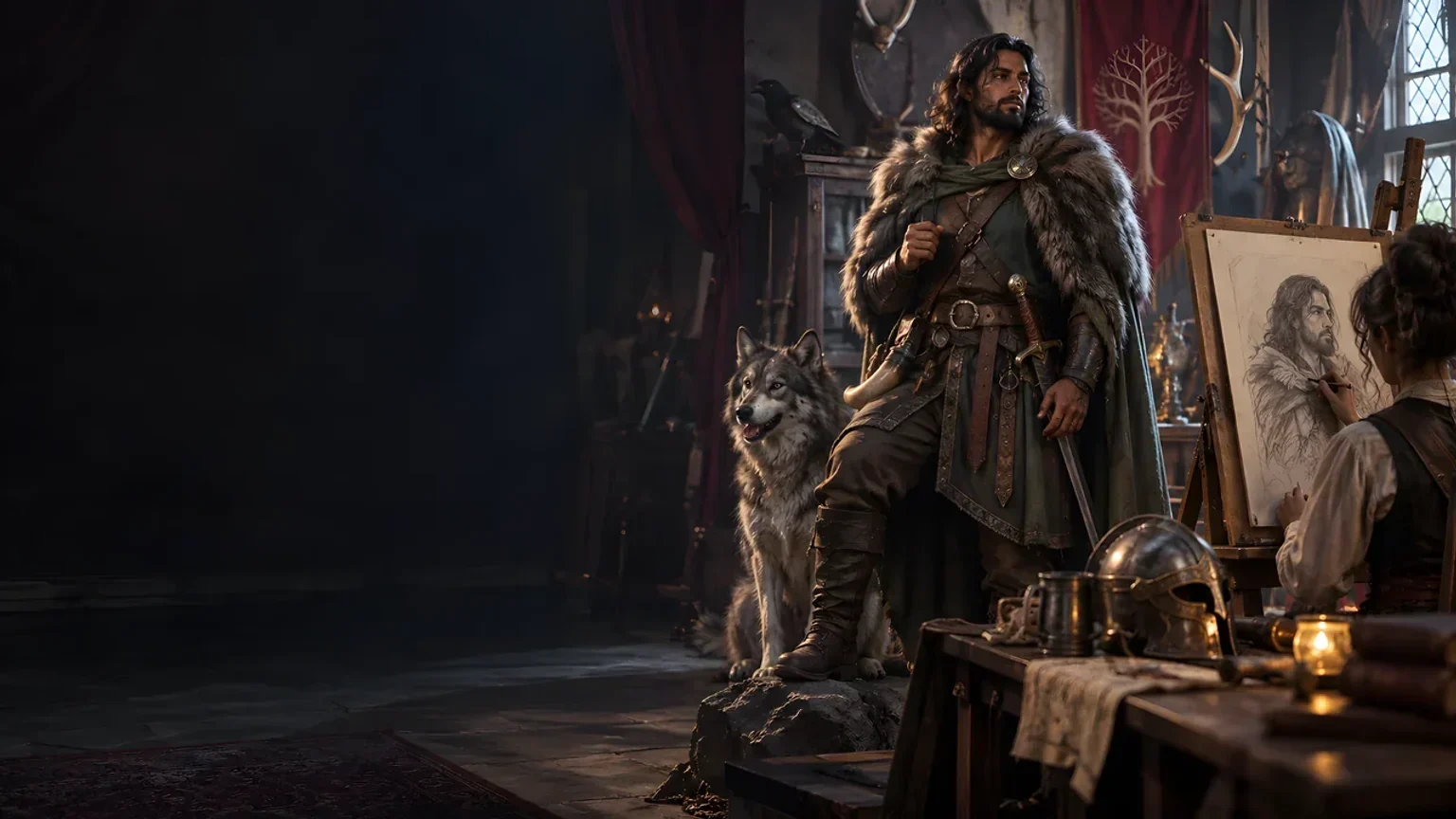
Explore separate fantasy image creation.
Product artwork illustrates fictional scene preparation, not application screens or actual generated image output.
Quick answers
Understand causes, reactions, recovery, sharing and access.
Prepare a fictional awkward pause with its cause, reactions, duration, who or what breaks it, two ways to recover and a lingering consequence. The result includes two story hooks, two table tips and a private Dungeon Master note.
The current USD catalogue lists US$1.99 per month for one selected standalone generator. Awkward Silence Generator can also be selected through eligible generator packs. A VISINVOKE account and required generator access are needed; other products have separate access arrangements.
In Quick, name the party, describe the company and setting, and choose severity and tone. The moment centres on the first two party members named. Deep adds the cause, who or what breaks the silence, a party fact, details to avoid and private Dungeon Master context.
A failed joke, slipped secret, wrong name, broken custom, unexpected confession, difficult question, overheard remark or unsuitable gift can stop the room. Explore a first speaker, an animal, a sudden noise or nobody breaking the silence.
Edit the result, lock details and reroll individual sections. Save moments to your library, reopen earlier versions or duplicate a result to explore another cause or recovery. Keep tags and notes. Review the DM or player brief before copying, exporting JSON or printing, and keep private context with the Dungeon Master.
Open Awkward Silence Generator in the Generators collection of Desktop Command Centre on Windows. It prepares a fictional social pause and immediate recovery. The players decide how their characters respond; it does not start a fight, apply game mechanics or penalties, or send anything to Combat PRO.
Continue in VISINVOKE
Create a free VISINVOKE account and choose the required generator access.
Get Desktop Command Centre from your account installer page. Sign in on Windows, then open Awkward Silence Generator.